
Create Vendor Store
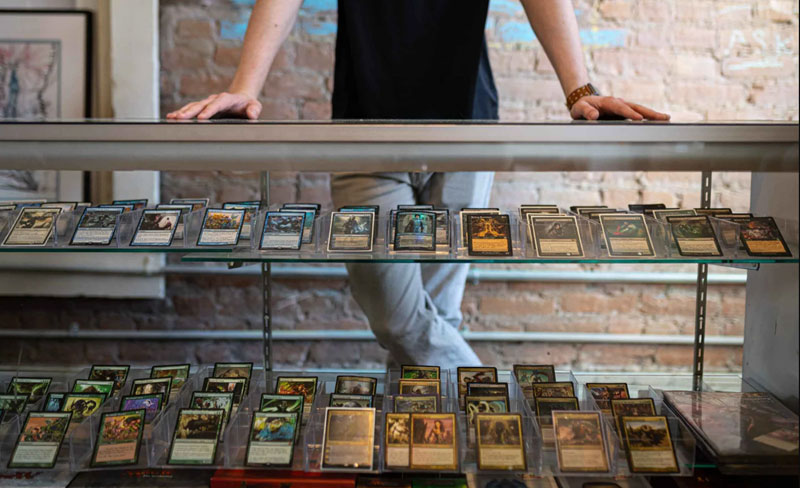
Launching your very own online trading card Vendor Store has never been easier. With Trading Cards Planet, you can build your brand, showcase your cards, and connect with buyers — all without paying a single listing or selling fee. Set up your Vendor Store in just a few minutes and start growing your card business today!
Whether you’re a casual seller or a full-time vendor, a dedicated Vendor Store gives you a professional space to display everything you offer in one convenient location — while letting you customize and control how your brand appears to shoppers.
Powerful Store Customization
Your Vendor Store, your way. Create a Vendor Store that reflects your personality and vision with complete flexibility:
- Instantly update your Vendor Store name, logo, and description
- Add SEO settings to help customers discover your Vendor Store listings
- Share your Vendor Store policies, shipping information, and contact details
- Create custom categories to organize your listings
Included With Every Free Vendor Store
Every vendor gets access to a robust suite of eCommerce tools — without any seller fees:
- Unique store URL to share anywhere
- Option to run fixed-price listings or auctions
- Accept direct payment from buyers with integrated payment gateways like PayPal, Stripe, Authorize.net, Skrill, & More
- Accept offline payments from buyers (CashApp, Venmo, Credit Card, & More)
- Digital product support (instant file download)
- List on all major Google surfaces (Search, Images, Shopping, YouTube)
- Free Google Shopping advertising of all your fixed-price listings
- Create voucher/discount codes for customers
- Track visitors, subscribers, watchlists, orders, & analytics
- Featured product highlights in your shop window
From first sale to scaling your brand — everything you need is built in.
Upgrade to a Featured Store
Want more visibility? You can upgrade to a Featured Vendor Store ($25 per 30 days) to gain:
- Enhanced promotion on the marketplace
- Additional store listings capacity
- Increased buyer reach/advertising
It’s the easiest way to take your store to the next level as your business grows.
Open Your Store & Start Selling!
Stop scrolling — start selling. Join a marketplace designed to support professional trading card vendors with better profits and bigger opportunities.
Open your Vendor Store today and turn your inventory into income — all while keeping 100% of your profits*.
* Minus applicable merchant processing fees depending on the payment method you accept.
Getting Started
How to create your store:
- Register for your free account on Trading Cards Planet.
- Visit the Store Setup page to set up a Vendor Store subscription - choose Free Vendor Store or Featured Vendor Store.
- Add your Vendor Store name, description, logo, meta, and select categories (leave blank for all).
- Set up pages like About, Shipping Information, and Company Policies.
- (Optional) Create custom categories for better organization.
- Set up global selling settings.
- Set up postage and shipping settings.
- (Optional) Set up direct payment methods: PayPal or Stripe (others are available as well).
- (Optional) Verify your account in the marketplace to add more trust.
- Create new fixed-priced or auction listings for your store.
- Start to promote your store alongside our efforts and make some sales.
Please contact us if you run into any store setup issues or have further questions.